
Introduction
Thunderbolt is an open-source, cross-platform AI client that can be deployed on-prem anywhere. It runs on web, macOS, Windows, Linux, iOS, and Android — all from a single React codebase wrapped in Tauri.
Under active development. Thunderbolt is currently undergoing a security audit and preparing for enterprise production readiness. We encourage you to self-host and evaluate it, but it is not yet intended for production use.
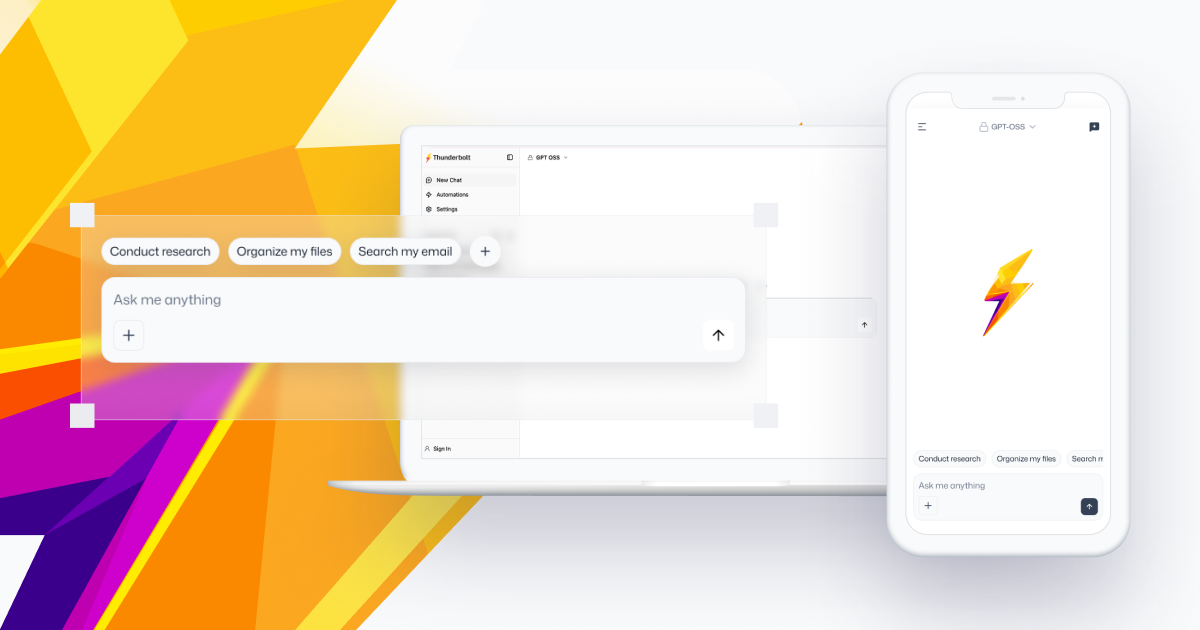
AI you control
- Choose your models. Bring Anthropic, OpenAI, Mistral, Fireworks, OpenRouter, or any OpenAI-compatible endpoint. Recommended local options are Ollama and llama.cpp. Keys live on the device; a deployment can also hold the provider credential itself and meter usage — see Managed Inference.
- Own your data. Every device keeps a local SQLite database and reads and writes it first. Cross-device sync is opt-in and can run end-to-end encrypted, so the server only ever sees ciphertext.
- Eliminate vendor lock-in. Self-host the backend on Docker Compose, Kubernetes, or AWS via Pulumi. Nothing depends on a SaaS control plane.
Who it’s for today
Right now, Thunderbolt targets enterprise customers deploying on-prem. The backend currently requires authentication and search to function (web search can be disabled under Settings → Connections). Individual users can self-host and sign up against their own backend.
A hosted version for consumers is planned but does not yet have a release date.
Where to go next
| If you want to… | Start here |
|---|---|
| Run Thunderbolt on one machine | Docker Compose |
| Deploy it for an organization | Self-Hosting overview, then the configuration reference |
| Add models, agents, skills, or MCP servers | Customize |
| Understand how the pieces connect | Architecture |
| Contribute code | Quick Start, Frontend Structure, Testing |
| Ask the usual questions | FAQ |
How it’s put together
| Layer | Stack |
|---|---|
| Client | React 19 · Vite · Tauri 2 · Radix UI · Zustand · TanStack Query · Drizzle over SQLite |
| AI | Vercel AI SDK v6 · MCP client for tool use |
| Sync | PowerSync (custom SharedWorker + transform middleware for E2E encryption) |
| Backend | Elysia on Bun · Drizzle ORM · Better Auth (email OTP / OIDC / SAML) · React Email / Resend |
| Database | PostgreSQL (production) · PGLite for backend tests |
| Infra | Docker Compose · Kubernetes manifests · Pulumi (ECS Fargate or EKS) |
Where documentation lives
docs/— published. Every.mdfile under this directory is auto-published tothunderbolt.io/docs/*byweb/src/loaders/repo-docs-loader.ts. The site’s sidebar is a hand-maintained allowlist inweb/astro.config.mjs, so a new file also needs an entry there or the page ships with no navigation.backend/docs/,deploy/, and componentREADME.mdfiles — repo-local. They are not published and can assume a reader with a checkout..thunderbot/and.claude/— agent instructions. Never published.